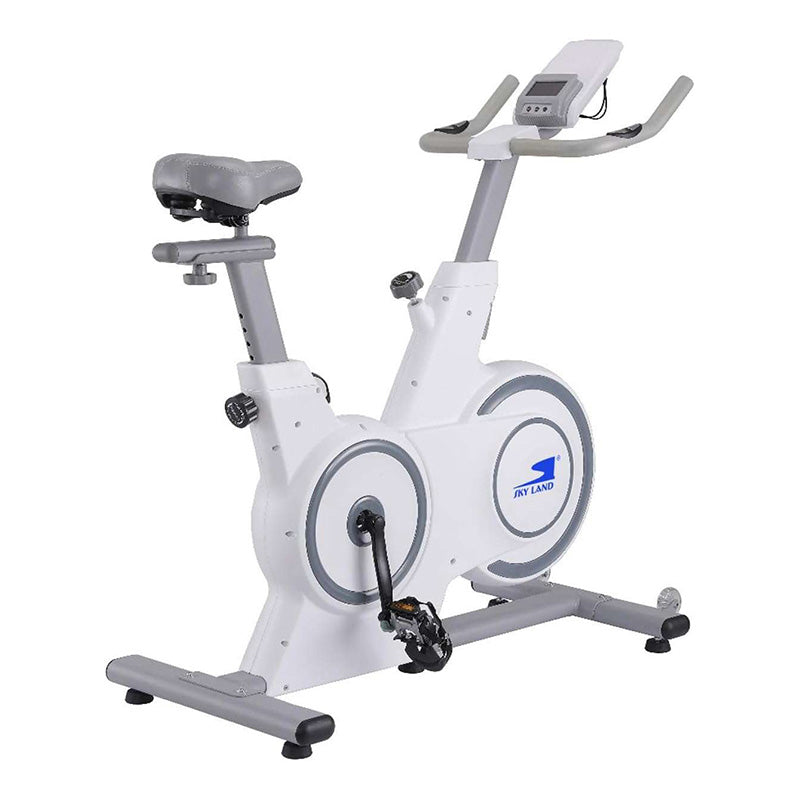
Sky Land Indoor Spin Bike with Kino Map
Sky Land Indoor Spin Bike with Kino Map
Product Details
While Sky Land bikes primarily promote the FitShow App, many of their Bluetooth-enabled models (like the EM-1566 and EM-1568-W) can also work with Kinomap.
Kinomap is a popular third-party app that features thousands of real-world outdoor cycling videos. Here is how you can use them together:
🔗 How to Connect Sky Land to Kinomap
Most modern Sky Land bikes use a Bluetooth protocol compatible with the FTMS (Fitness Machine Service) standard, which Kinomap recognizes.
-
Preparation: Ensure Bluetooth is enabled on your tablet or phone.
-
Wake the Bike: Pedal for a few seconds to activate the bike's console and Bluetooth signal.
-
Open Kinomap: Go to the Equipment Management menu (the "+" icon).
-
Select Equipment: Choose Exercise Bike.
-
Search for Brand: * If "Sky Land" is not listed, select "FitShow" or "Generic FTMS" as the brand. Kinomap often recognizes the Bluetooth module itself rather than the bike's outer brand.
-
Look for a device name starting with
FS-orKSU-in the pairing list.
-
-
Test: Start pedaling; your speed and RPM should now reflect on the Kinomap video screen.